Radar and camera-based launch monitors both give you real numbers on your ball and club, but they shine in different types of simulator rooms and ranges. Figuring out camera vs radar launch monitors for your your setup is a critical step in building your golf simulator.
What Golfers Usually Ask
When golfers compare radar vs camera launch monitors, the same questions pop up over and over:
- Which one is more accurate indoors and outdoors?
- How much space do I need behind and in front of the ball?
- Which works better for short game and wedges?
- Do I get more club data from radar or cameras?
- Which is easier to set up and move between the range and simulator room?
This guide walks through those questions so you can match the tech to your space, budget, and goals.
How Radar and Camera Launch Monitors Actually Work
Radar (Doppler) Launch Monitors
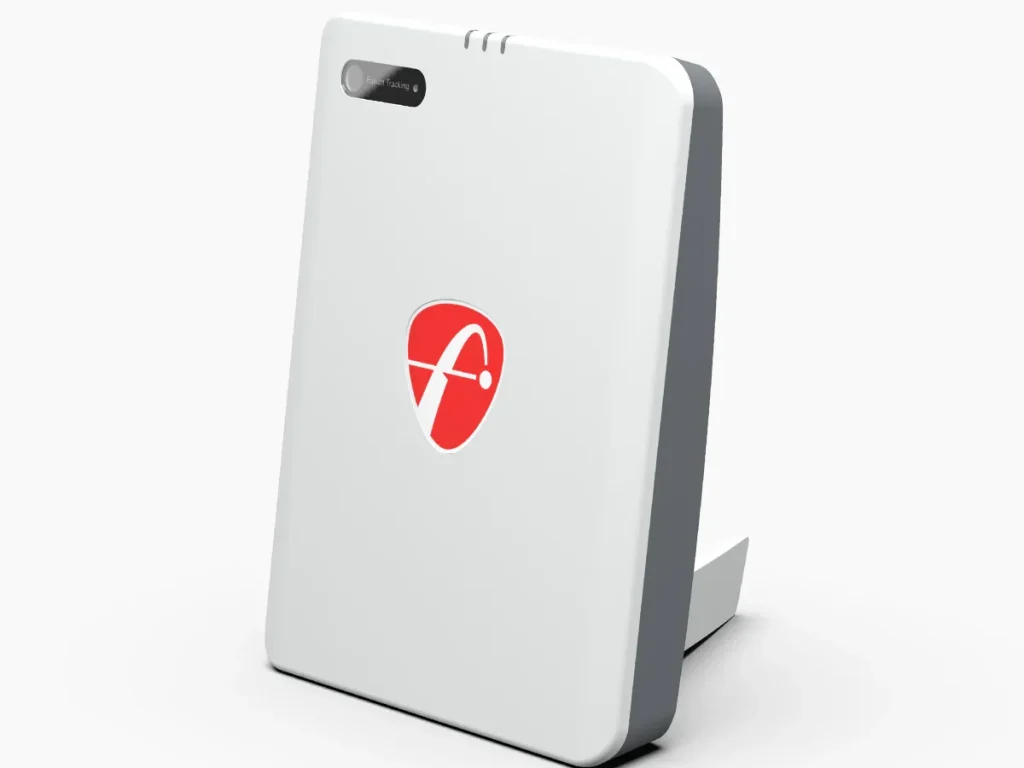
Radar units sit behind you and fire radio waves at the ball and club as they move.
- They track the full ball flight over distance, then report ball speed, launch angle, spin, carry, and dispersion.
- Because they follow the ball through space, they are less sensitive to lighting and shadows and tend to excel outdoors.
Popular radar choices show up throughout Yardstick’s lists of the best golf launch monitors and home golf simulators, especially at the budget and mid‑range price points.
Camera (Photometric) Launch Monitors
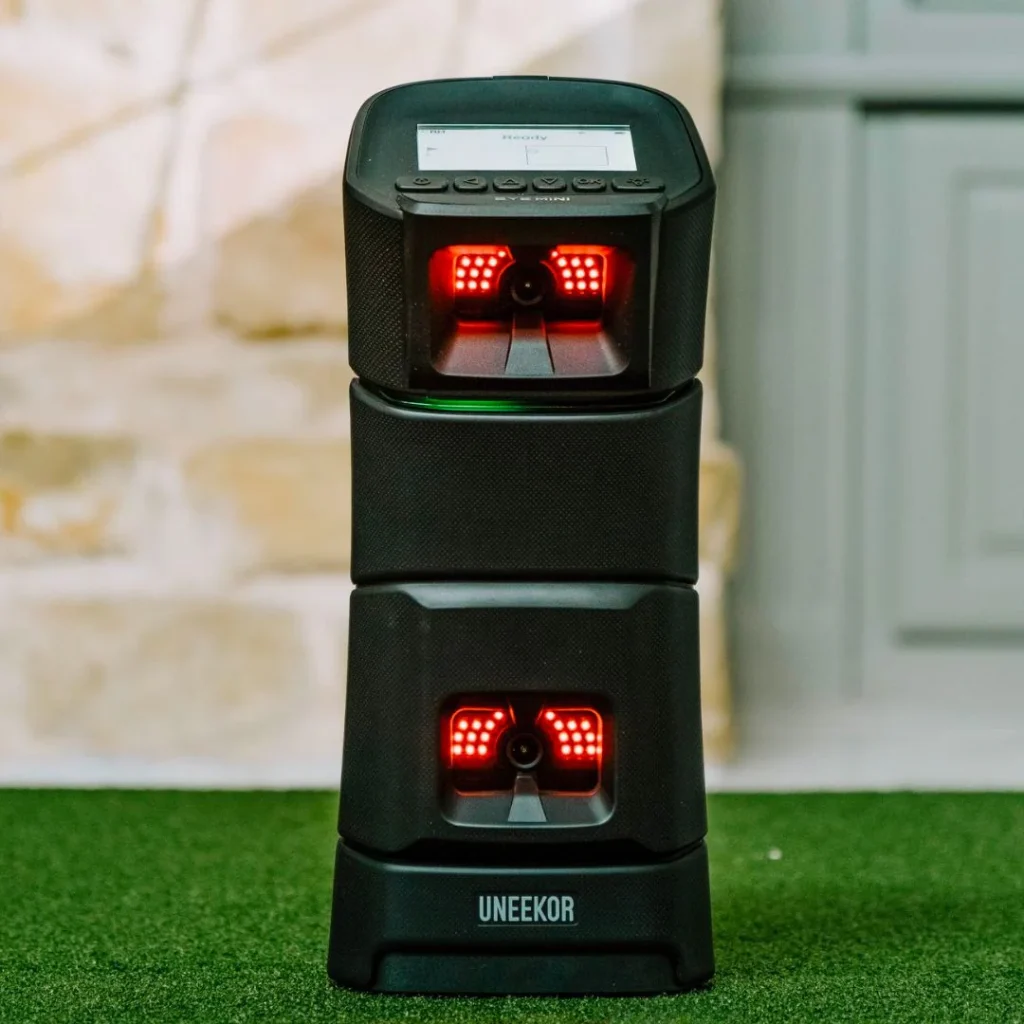
Camera-based systems use one or more high‑speed cameras to grab hundreds of images right around impact.
- They measure the ball and club as they collide, then use physics to predict full ball flight.
- Because the cameras are focused on a small hitting zone, they work extremely well in tight indoor spaces when lighting is controlled.
Top camera options include floor units like Foresight GCQuad and SkyTrak+ and overhead systems featured in Yardstick’s guide to the best overhead launch monitors.
Accuracy: Radar vs Camera
Both technologies can be extremely accurate when set up correctly, but they’re strong in different ways.
- Radar strengths
- Camera strengths
- Elite camera units match or beat radar for shot accuracy indoors because they see every detail of impact in a small, well-lit zone.
- They provide detailed club data (path, face angle, attack angle, impact location) that serious players and fitters rely on.
One key limitation: consumer radar systems often struggle more on very short shots and chips, because the ball doesn’t fly long enough to give the radar a full track. High‑end camera systems are generally stronger in that scoring‑zone range indoors.
Space and Room Requirements
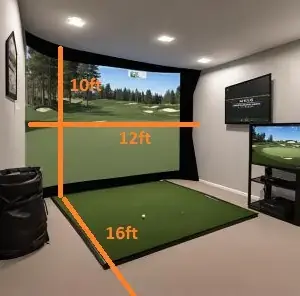
For home simulators, space is usually the deal-breaker. Yardstick’s DIY simulator planning guide makes the same point: know your room before buying gear.
Radar Space Needs
- Typically sit 6–8 feet behind the ball, and need another 8–12 feet of ball flight to the screen or net.
- That means you may need 16+ feet of depth to get reliable data indoors.
- They’re a natural fit for ranges, backyards, and deep garages where depth isn’t an issue.
Camera Space Needs
- Floor units sit beside or in front of the ball, and overhead units mount on the ceiling above the hitting area.
- They only need a clear view of the ball and club, so they work in much shorter rooms as long as you’ve got enough swing height.
- Overhead cameras are especially useful for mixed right/left-handed groups because you don’t move the unit between players.
If your ceiling height is the main limitation but you’ve got good depth, either tech can work. If depth is tight, camera or overhead systems are almost always better.
Camera vs Radar Launch Monitors Indoor & Outdoor Performance
Indoors
- Cameras are generally the safer bet indoors, especially for smaller rooms.
- Radar units can work very well indoors in properly sized rooms, but they may require careful placement and metallic dots or RCT balls to lock in spin and launch.
For a typical garage or spare‑room sim, most golfers lean camera or hybrid (camera + radar) for more forgiving indoor performance.
Outdoors
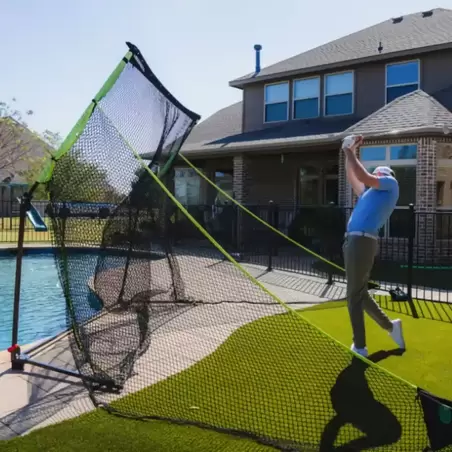
- Radar shines outside, where it can follow shots all the way to or near the ground.
- Changing light doesn’t bother radar nearly as much, so you can practice through clouds, sun, and mild shadows without losing many shots.
- Camera systems can still be very accurate outdoors, but they need ball visibility and consistent conditions; glare and strong sun can be tricky for some models.
If you plan to spend most of your time at the range or in the backyard, a radar or radar‑heavy hybrid is usually the better choice.
Data and Use Cases
What Radar Is Best At
Radar systems are excellent when:
- You want true ball flight and dispersion patterns outdoors.
- You care most about distance gapping for full swings.
- You plan to carry one device between the range and home sim.
You’ll typically get ball‑centric numbers first, with club data added on higher‑end units or radar‑camera hybrids.
What Cameras Are Best At
Camera systems shine when:
- You’re focused on swing mechanics and club delivery: path, face angle, strike location, dynamic loft.
- You’re building a dedicated indoor simulator where space and accuracy on short shots matter.
- You want a realistic sim experience with detailed ball interaction and graphics.
This is why many fitters, coaches, and tour players rely on high‑end camera launch monitors in teaching bays and indoor studios.
Cost and Value
Both technologies cover the full range from budget to tour‑level. Yardstick’s golf simulator cost guide is a helpful resource if you want dollar ranges by device.
- Entry‑level radar (personal units) delivers solid ball data for a few hundred dollars and often supports basic simulator play.
- Mid-range camera or hybrid devices bring better club data and more reliable indoor performance for home simulators.
- Premium camera systems (GCQuad, Uneekor EYE XO2, Foresight Falcon) and top radar (TrackMan 4, TrackMan iO) cost several thousand dollars but offer tour‑grade data and integration.
Price alone doesn’t decide the tech; what matters is where you’ll use it and what data you actually act on.
Hybrid Systems: Best of Both Worlds?
A growing number of launch monitors blend radar and cameras into one package.
- These units use cameras around impact and radar for flight, giving more robust ball and club data in a wider range of spaces.
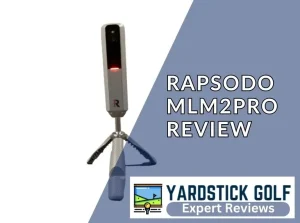
- Examples include SkyTrak+, Rapsodo MLM2PRO, and several of the models compared in Yardstick’s launch monitor comparison tool.
Hybrids are worth a hard look if you split time between indoor sim play and outdoor practice, or want better club data than budget radar without going straight to a tour‑level camera rig.
Which Technology Should You Choose?
Think first about space, then main use case, then budget.
- Pick radar if:
- You’ll use it mostly at the range or outdoors.
- You have plenty of depth indoors and want true ball flight data.
- Your priority is dialing in distance and dispersion across the bag.
- Pick camera if:
- You’re building a garage, basement, or spare‑room simulator with limited depth.
- You care a lot about club numbers, impact feedback, and short‑game accuracy.
- You want a “studio” feel similar to what fitters and teaching pros use.
- Consider a hybrid if:
- You split time between indoor sim and outdoor practice.
- You want strong ball and club data but can’t justify separate units.
If you’re still unsure, Yardstick’s launch monitor comparison tool lets you filter by tech type, budget, and features to quickly see which models fit your situation.
FAQs: Radar vs Camera Launch Monitors
Are radar launch monitors better than camera systems?
Neither tech is universally “better.” Radar is typically stronger outdoors and for full ball flight, while camera systems are often better indoors and for detailed club and impact data.
Which type is best for a small home simulator room?
Camera or overhead systems usually win in tight spaces because they sit beside or above the ball and need far less depth than radar.
Do camera launch monitors work outdoors?
Yes, high‑end camera units perform very well outside, but they rely more on consistent lighting and a clear view of the ball than radar does.
Why do some radar units struggle with chips and pitches indoors?
Radar needs enough ball flight to model the entire shot; very short shots often don’t travel far enough indoors for cheaper radar sensors to capture reliable data.
What about balls and markings—do both systems need special balls?
Some camera systems use reflective dots or special balls for the most accurate spin and speed, while many radar systems benefit from high‑contrast or RCT balls indoors to help them see spin.