Finding the best golf launch monitors under $1,000 can feel overwhelming, especially with so many brands promising “tour‑level” data at a budget price. That’s why we didn’t just rely on marketing claims or spec sheets. In January 2026, we surveyed launch monitor owners from our community of more than 75,000 golfers on Reddit to learn which devices they actually bought, how they use them, and what they really think after living with them. We’re sharing that data in this guide along with their verbatim feedback and our own hands‑on testing. We hope this helps you cut through the noise and choose the best golf launch monitor that fits both your game and your budget. If you’re serious about improving your numbers without overspending, this is the place to start.
|
Launch Monitor |
Our Evaluation |
Buyer Ratings |
Check Prices |
|---|---|---|---|
 |
Best Overall |
||
 |
Runner Up |
||
 |
Strong Contender |
||
 |
Best Used to Buy |
Affordable Launch Monitor Reviews
Affordable launch monitors are only worth it if they actually help you play better, so this section digs into how each device really performs when you put it to work on the range or in a home golf simulator. Drawing on survey data from thousands of golfers plus our own hands‑on testing, we break down accuracy, ease of setup, reliability indoors vs. outdoors, and long‑term usability for the four launch monitors in the table above. You’ll see real numbers, real buyer feedback, and practical examples of how each unit handles key metrics like ball speed, spin, carry distance, and shot dispersion, so you can quickly decide which launch monitor under 1,000 dollars is the best fit for your practice routine and space.
Best Golf Launch Monitors Under $1,000
Square Golf Launch Monitor
4.6 / 5
97%
8.3 / 10
8.3 / 10
8.4 / 10
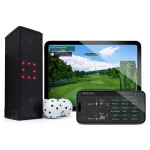
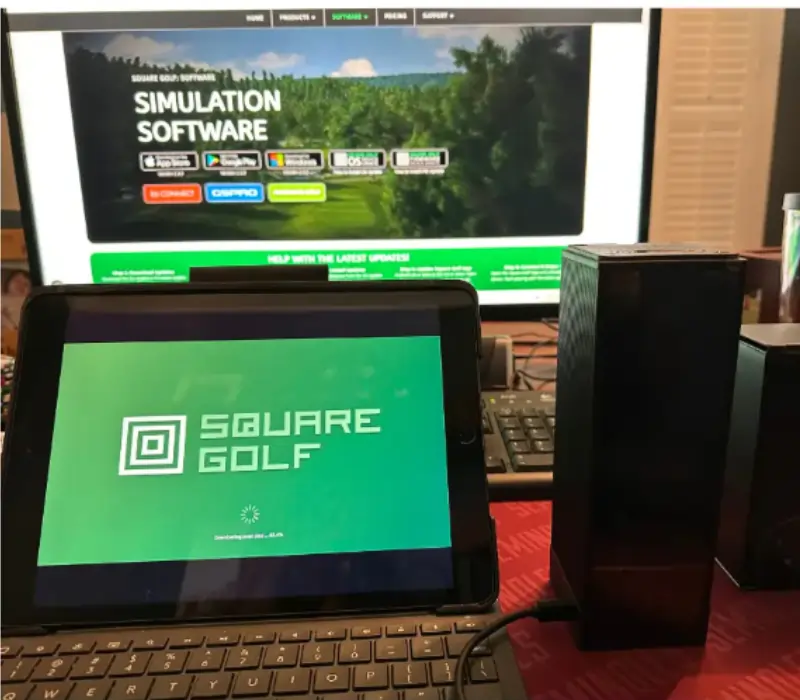
We recently reviewed of the Square Golf Launch Monitor. We think it might be the new king of the hill under $1,000. It was very portable, never missed a shot, has very little lag and gives a significant number of metrics. It was super easy to setup and it comes with several courses and enough credits for about 55 rounds. We wish it didn’t require marked balls to give spin, but it still exceeded expectations.
Don’t let price fool you—the Square Golf launch monitor punches above its weight. This affordable device boasts impressive accuracy, rivaling some of the more expensive options on the market.The Square golf launch monitor is compatible witt GS Pro and doesn’t charge you a license fee on top of the GS Pro fee to use it.
The Square Golf launch monitor offers a compelling combination of accuracy, features, and affordability, making it an excellent choice for golfers seeking an indoor practice solution or simulator setup.
|
Pros
|
Cons
|
|---|---|
More Info About the Square Golf Launch Monitor
Some more information you might find helpful about the Square Golf launch monitor.
Rapsodo MLM2Pro
4.1 / 5
75%
8.4 / 10
8.6 / 10
3.6 / 10
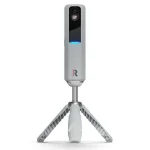
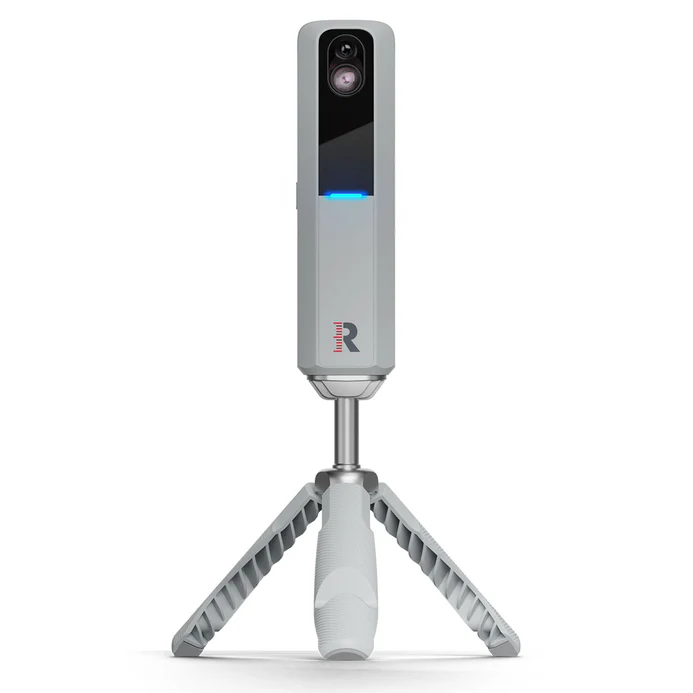
The survey data suggests the Rapsodo MLM2Pro is a strong “bang for the buck” option for golfers who want a flexible indoor/outdoor launch monitor and are comfortable with a subscription model.
We recently took a close look at the Rapsodo MLM2Pro, including feedback from dozens of real home‑sim owners in our 2026 survey. On average, they rated initial impressions at 4 out of 5 and gave it around 8–9 out of 10 for distance, direction, shot‑shape, and chipping accuracy—numbers that put it in the top tier of sub‑$1,000 units. Owners consistently praised how easy it is to set up (roughly 4–5 out of 5 for ease of use) and liked that it can be used both in a sim and at the range, which makes it feel like you’re getting two devices in one. A large majority said they would buy it again and described it as the “best bang for the buck” in its class.
Don’t let the price tag fool you—the MLM2Pro can absolutely hang with more expensive radar units when it comes to core ball‑flight data. Survey respondents highlighted its strong performance on full swings, with multiple owners noting that once lighting and spacing are dialed in, numbers indoors track closely with what they see on higher‑end hardware. The built‑in simulator options and course library get generally positive marks, though some users still prefer to pair it with third‑party software for the deepest course selection.
There are trade‑offs to know about. The big one is the subscription: most respondents are on a roughly 199–200‑per‑year or one‑time “lifetime” plan, and a few mentioned eventually selling the unit because they didn’t like ongoing fees. A handful of owners also pointed out that the MLM2Pro needs a bit of space behind the player and benefits from good lighting, so it isn’t ideal for very tight indoor setups. Short‑game and putting realism scored much lower than full‑swing metrics (several users rated putting at 0 out of 10), so if you’re obsessive about putting data, you may want to pair it with a putting‑focused practice routine.
Overall, the Rapsodo MLM2Pro offers a compelling mix of accuracy, portability, and simulator features for golfers who want a serious practice and play tool without jumping to multi‑thousand‑dollar camera systems. If you’re okay with the subscription and have the space to position it properly, it’s one of the most user‑approved paths into a versatile home simulator or range‑plus‑sim setup under 1,000.
|
Pros
|
Cons
|
|---|---|
More Info About the Launch Monitor
A bit more information on the MLM2Pro from our survey and research.
Garmin Approach R10
4.2 / 5
65%
7.6 / 10
7.8 / 10
3.3 / 10
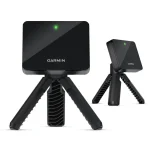
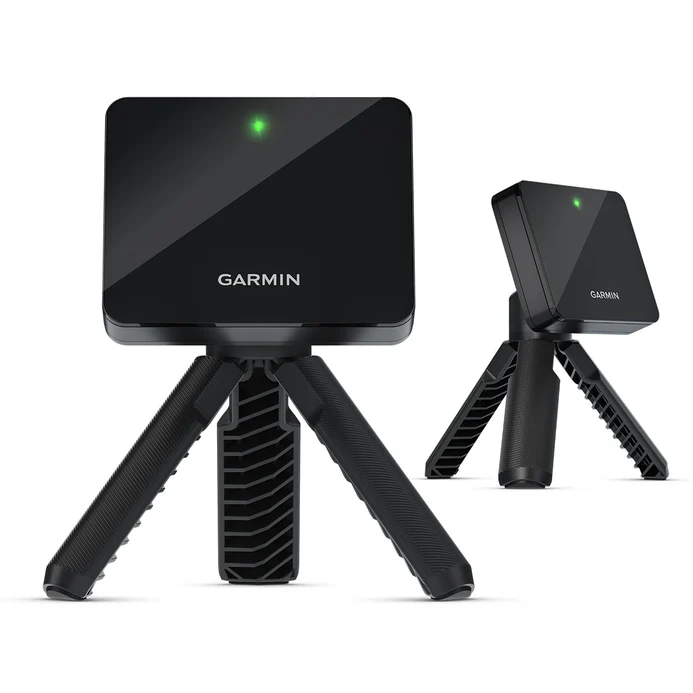
The Garmin Approach R10 has become one of the most popular “first launch monitors” for home golfers because it packs serious data and simulator capability into a truly portable, sub‑1,000 package. Our 2026 survey shows a wide range of owners using it as both a budget simulator engine and a practice tool they can throw in the bag for the range, with many rating their initial impressions between 3 and 5 out of 5 and calling it “great for the money.” For players who want to dip a toe into launch‑monitor tech without committing to a multi‑thousand‑dollar camera system, the R10 is often the first name that comes up.
Despite its size, the R10 tracks more than a dozen key metrics, including ball speed, club speed, carry distance, spin rate and axis, launch angle, club path, face angle, and angle of attack, all visualized in the Garmin Golf app and recorded with optional swing video overlays. It can pull double duty as a full simulator as well, tapping into Garmin’s 40,000‑plus virtual course library and supporting popular third‑party software like E6 Connect, GSPro, TGC 2019, Awesome Golf, and others when properly set up. The flexibility of getting range practice, data tracking, and sim golf from the same little radar unit is a big part of its appeal.
Accuracy is where the R10 generates the most debate, and it’s important context for any review. Independent testing against premium units like TrackMan suggests that the Garmin is impressively close on carry distance, ball speed, and total distance, but can be more erratic on spin and detailed club‑path numbers, especially indoors or in tight spaces. Owner feedback in our survey echoes this: many users are happy with its performance for full‑swing game improvement, while others note directional quirks and distance inconsistencies with long irons or short chips, often improving after careful alignment or use of RCT‑style balls. If you go in seeing it as a powerful training and sim tool within its price bracket, rather than a budget TrackMan, the R10 can be a very compelling addition to a home setup.
|
Pros
|
Cons
|
|---|---|
More Info About the Garmin Approach R10
A bit more information from our survey and research.
Planning your full build? Use the Golf Simulator Planning Tool to map out your room, or check Golf Simulator Costs to budget for screens, enclosures, projectors, mats, and software alongside your launch monitor.

This website is a participant in the Amazon Services LLC Associates Program, an affiliate advertising program designed to provide a way for websites to earn advertising revenues by advertising and linking to Amazon.com. Some of the links on this page are affiliate links. This means that, at zero cost to you, I will earn an affiliate commission if you click through the link and finalize a purchase.