7 Best Golf Swing Cameras—Stop Using Your Phone
Golf swing cameras make it way easier to see what your swing is actually doing instead of guessing. A good golf swing camera gives you slow‑motion video, consistent angles, and clear impact footage so you (and your coach or friends) can spot issues fast, especially in a home simulator or garage setup.
- Best for home simulators who want slow‑motion swing feedback.
- Works with launch monitors and online lesson apps.
- Most models here shoot at 120 fps or higher for clear impact frames.
Table of Contents
What to Look for in a Golf Swing CameraHow to Use Your Golf Camera Indoors
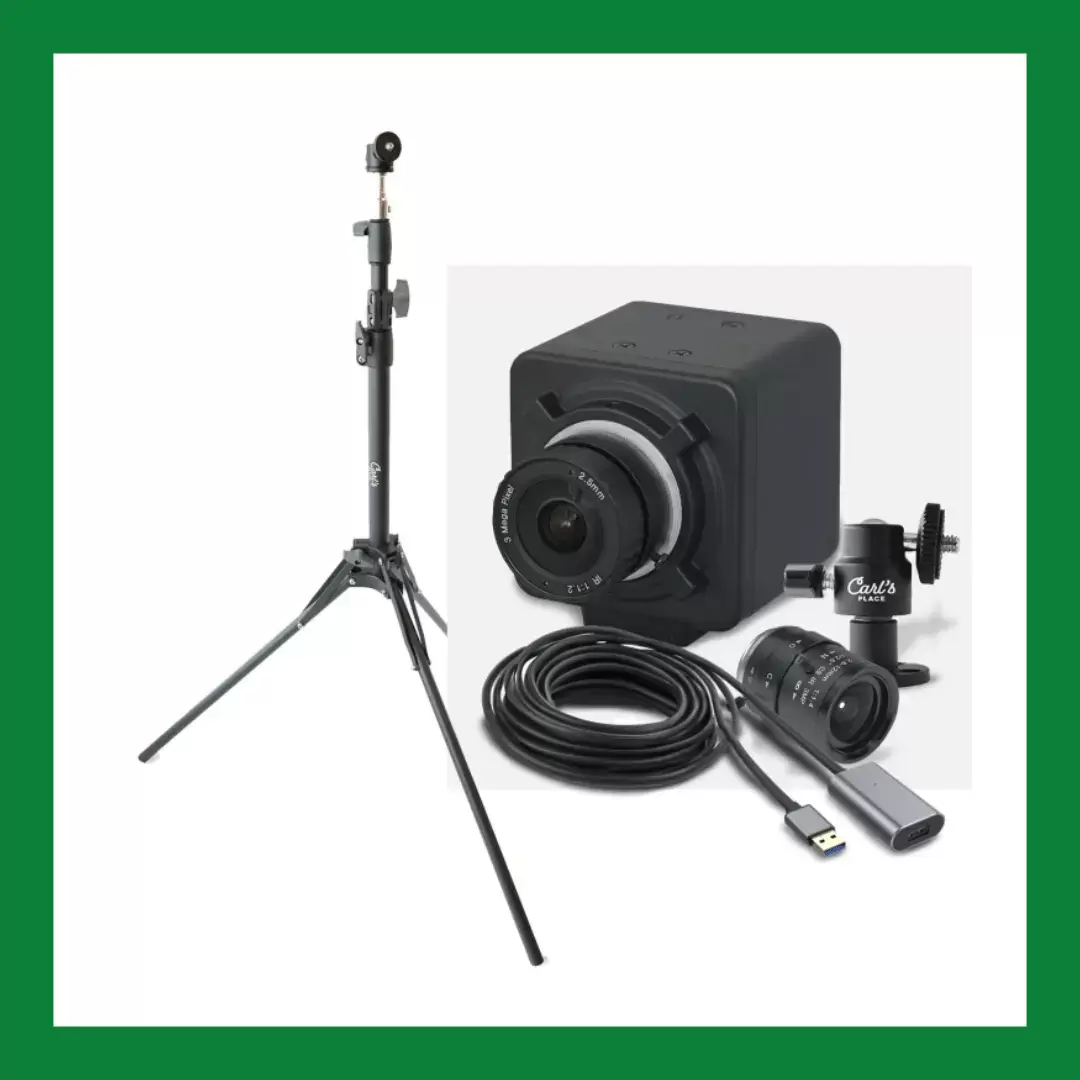
1. Carl’s Golf Swing Camera Set—Best Overall |
|
Connection: USB
Resolution: 1080
Carl’s also offers up to 300 frames per second (at 360p resolution), 120fps (at 720p) and 60fps at 1080p HD.
The Carl’s Golf Swing Camera Set is the best golf simulator camera overall because it comes with a high speed golf camera with adjustable frame rates, and a flexible tripod for easy setup. The camera is equipped with advanced technology that captures your swing in slow motion, allowing you to analyze and make necessary adjustments.
The tripod is sturdy and can be easily adjusted to capture your swing from various angles. As an avid golfer and professional, I was intrigued by its unique features and full-service components of this golf video camera.
What sets this camera apart from others is its user-friendly interface and the ability to view your swings in real-time on your phone. The footage can also be saved and shared with your coach or friends for feedback. They are essentially USB plug and play webcams with higher frame rate capabilities that can work with other software.
|
Pros |
Cons |
|
|
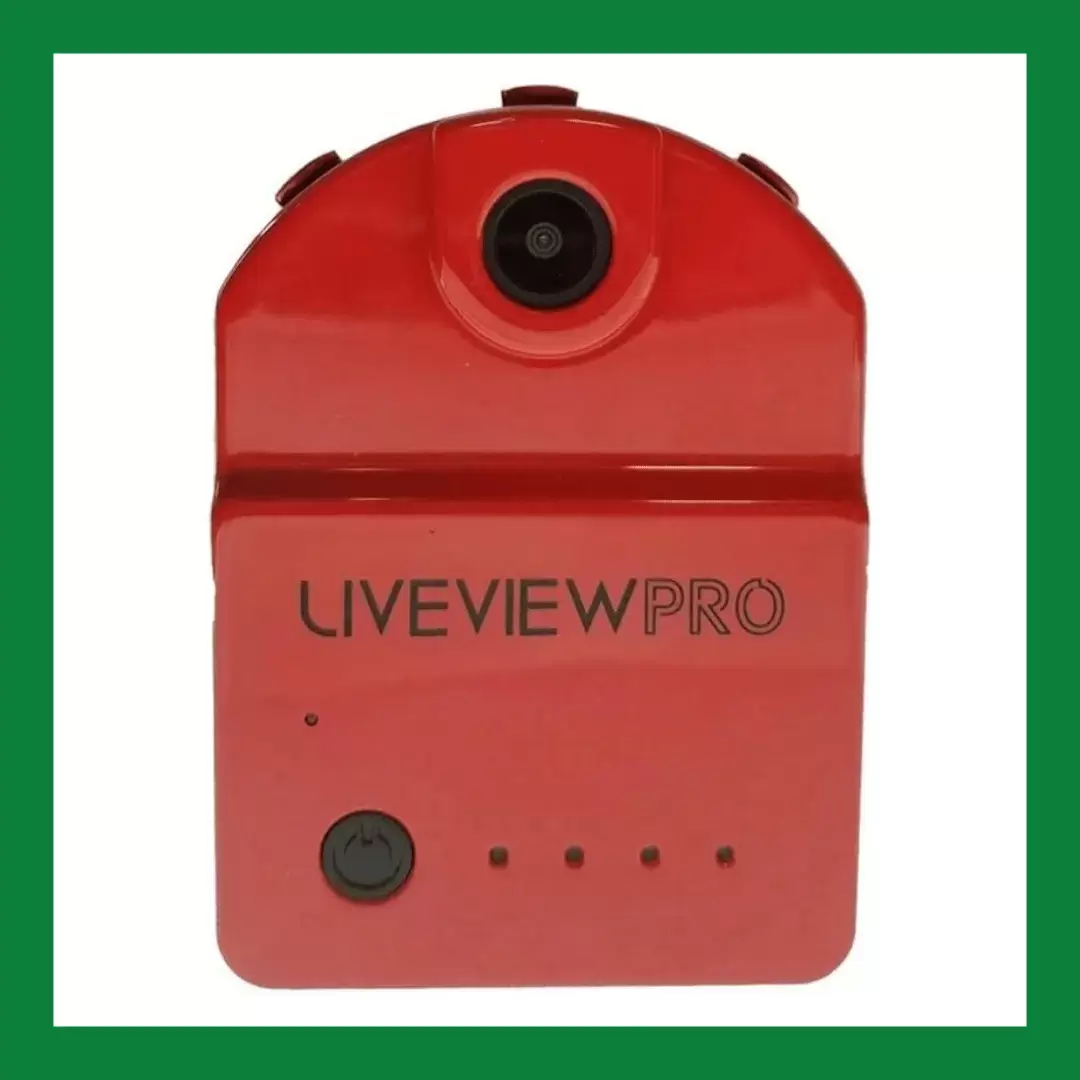
2. LiveView PRO—Most Portable |
|
Connection: Wireless
Resolution: 640
Take the LiveView PRO golf camera anywhere, as it provides players with a unique perspective on their swing and overall game. It’s a small, portable camera that can be easily attached to your golf club or tripod for hands-free recording.
One of the standout features of the LiveView PRO camera is its live-streaming capabilities. This allows you to see real-time video feedback of your swing on your phone or tablet while you practice. This instant feedback lets you make quick adjustments and improvements in your technique.
The design of the camera is also impressive, with its sturdy build and ability to withstand the demands of the practice range. It’s waterproof to withstand any weather conditions and has a long battery life for its size.
|
Pros |
Cons |
|
|
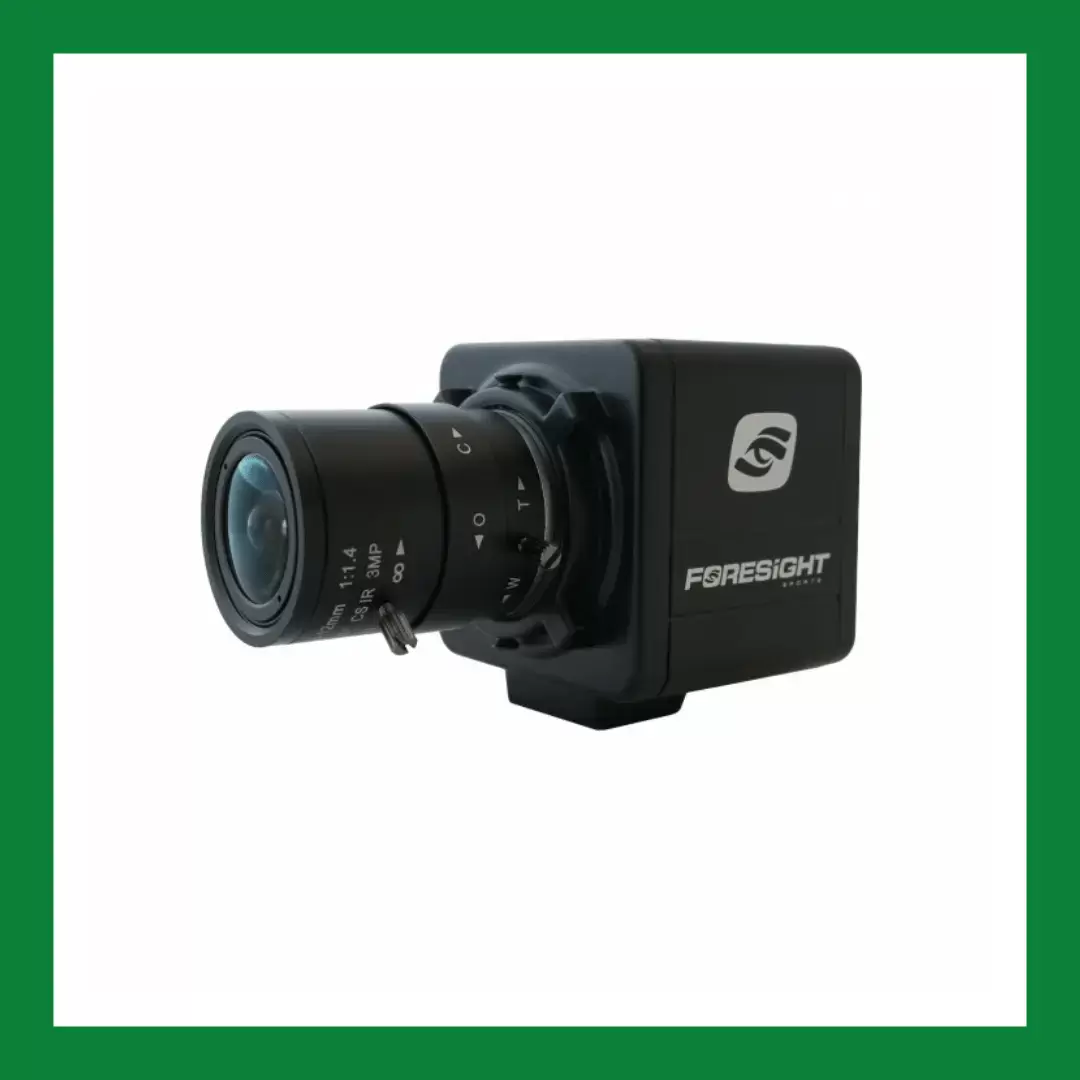
3. Foresight Golf Swing Camera—Best Bang For Your Buck |
|
Connection: USB
Resolution: 1280
The Foresight Golf Swing Camera is a great entry-level device for all handicaps. This advanced golf camera is designed to provide accurate and in-depth analysis of every aspect of your swing, helping you improve your game and shoot lower scores.
What sets this golf camera apart from others is its state-of-the-art technology. It uses high-speed processing, advanced laser technology, and infrared light to capture every angle and movement of your swing in real-time. The camera’s software then relays the data to provide detailed feedback and analysis, including swing path, clubhead speed, face angle, impact position, and more.
One of the standout features of the Foresight Golf Swing Camera is its ability to create an accurate 3D image of the golfer’s swing. This allows golfers to view their swing from different angles and make necessary adjustments to improve their technique.
|
Pros |
Cons |
|
|
4. DJI Pocket 2 Creator Combo—Best for Uploading |
|
Connection: Wireless
Resolution: 4K
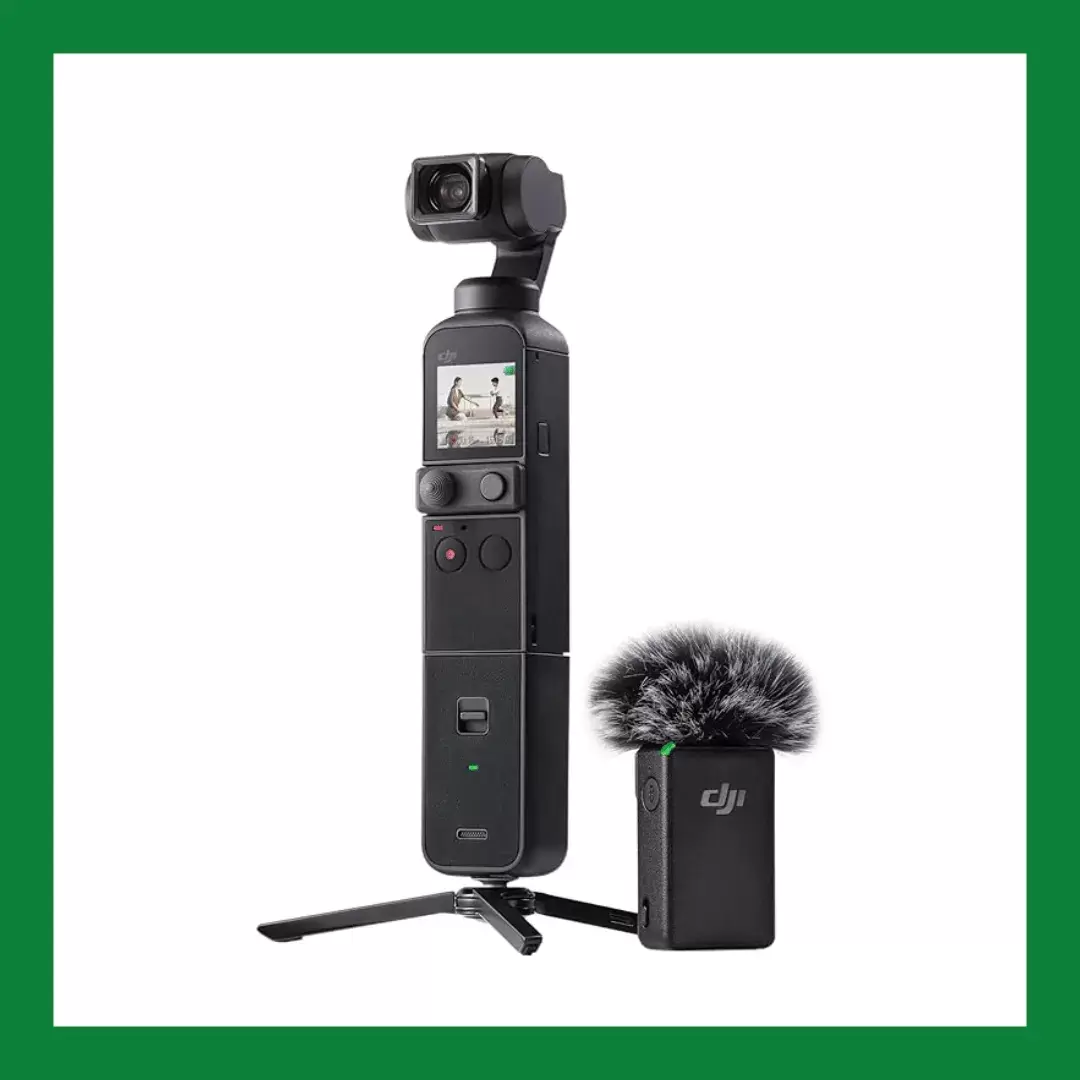
The DJI Pocket 2 Creator Combo golf camera is a compact camera that packs a punch with its technological features, making it perfect for social media gurus and aspiring influencers.
One of the most impressive features of the DJI Pocket 2 is its 3-axis gimbal stabilization system, which ensures smooth and steady footage even while swinging the club. This feature is particularly helpful for analyzing swings and identifying areas for improvement. Additionally, the camera’s ActiveTrack feature allows it to automatically follow the golfer’s movements, ensuring no important shot is missed.
My favorite aspect is its versatility. It can be used as a handheld camera, attached to a tripod, or even a golf cart, allowing you to capture creative angles and perspectives. The camera also has a variety of shooting modes, including slow motion and time-lapse, offering endless possibilities for creating unique golf content.
|
Pros |
Cons |
|
|
5. Uneekor Swing Optix—Best For Instructor Use |
|
Connection: USB
Resolution: 1080
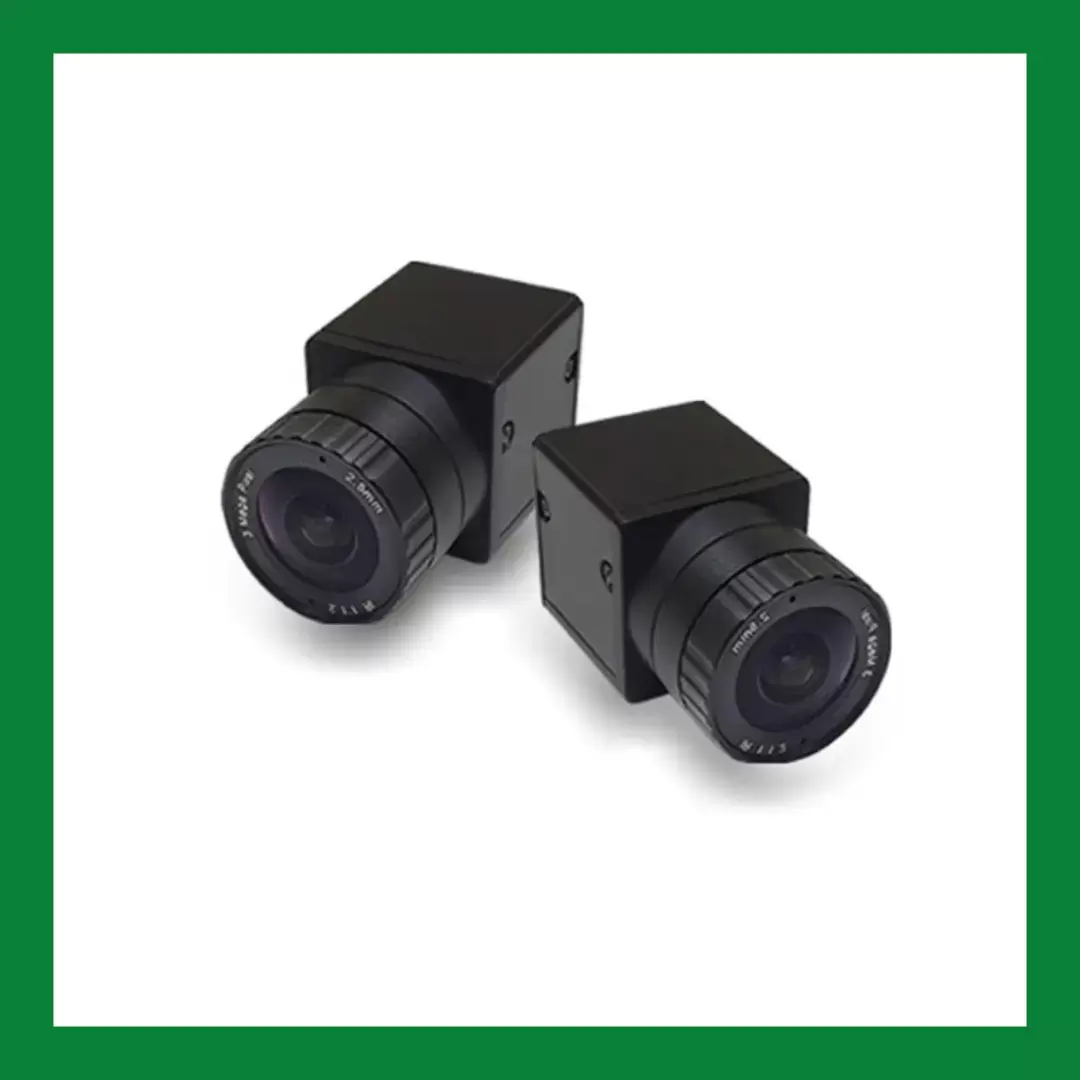
The Uneekor Swing Optix golf cameras are a revolutionary addition to the world of golf technology and instruction. These high-speed cameras offer unparalleled accuracy and detail, making them a must-have tool for golf coaches and academies.
One of the standout features of the Swing Optix camera is its incredibly high frame rate, capturing up to 160 frames per second from both cameras (down-the-line and face-on). This allows for an incredibly detailed and precise analysis of a golfer’s swing, highlighting every move and angle with stunning clarity.
Experience enhanced golf practice with this high-quality golf swing camera. Gain a clear perspective on your swings, allowing for in-depth analysis and improvement. With high-resolution visuals, you can examine your technique frame-by-frame using slow-motion playback and intuitive colored drawing tools. Perfect your golf game by understanding every detail of your swing!
Aside from its technological features, the Uneekor Swing Optix cameras also offer a range of benefits for golf coaches. With its high-speed and 3D tracking capabilities, coaches can provide in-depth lessons and accurately pinpoint areas for improvement in a player’s swing. The real-time data also allows for instant feedback, making lessons more efficient and effective.
|
Pros |
Cons |
|
|
|
|
|
Connection: USB
Resolution: 1080
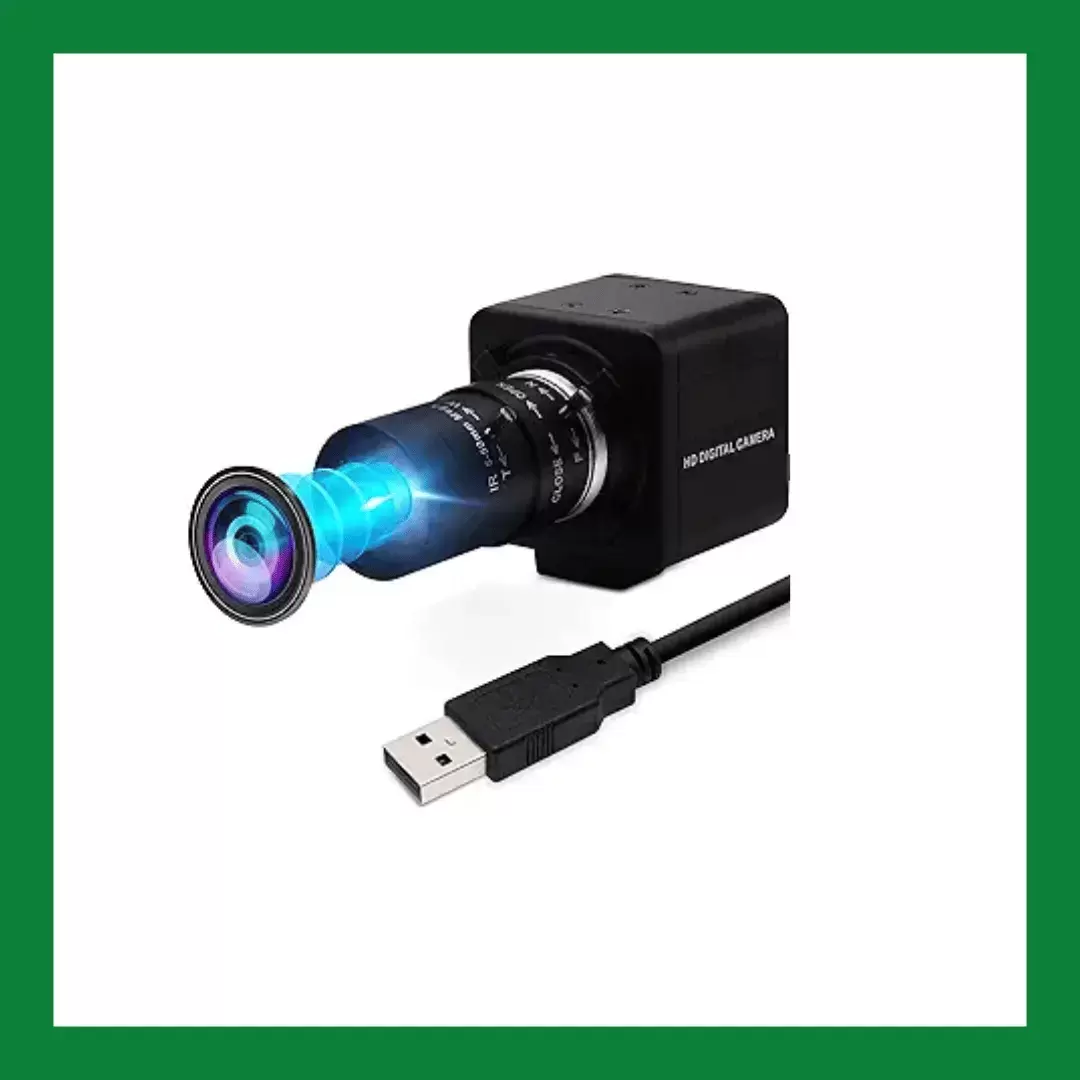
This 2MP USB web camera is an excellent choice for golfers who want high-quality footage of their swing. It’s great for off-the-course as well, with a variety of uses, ideal for video calling, streaming, studio recordings, and even use with Raspberry Pi.
The IFWATER USB golf camera has a CS Mount 5-50mm manual varifocal lens, allowing for 10x optical zoom and the ability to adjust the focal length for different angles and scene ranges. This makes for great-quality recording of your swing but will also look good when recording landscapes. Whether you’re looking to capture your swing up close or show off the full range of the golf course, this camera has you covered.
Not only does the camera have a solid aluminum case and 1/4 inch screw hole for tripod mounting or webcam holders, but it also comes with an extra metal stand for wall mounting. This allows for versatile placement on any flat surface, making it a great tool for online classes and live streaming.
|
Pros |
Cons |
|
|
7. Performance Optix Package—Best for Low-Handicap Golfers |
|
Connection: USB
Resolution: 1080
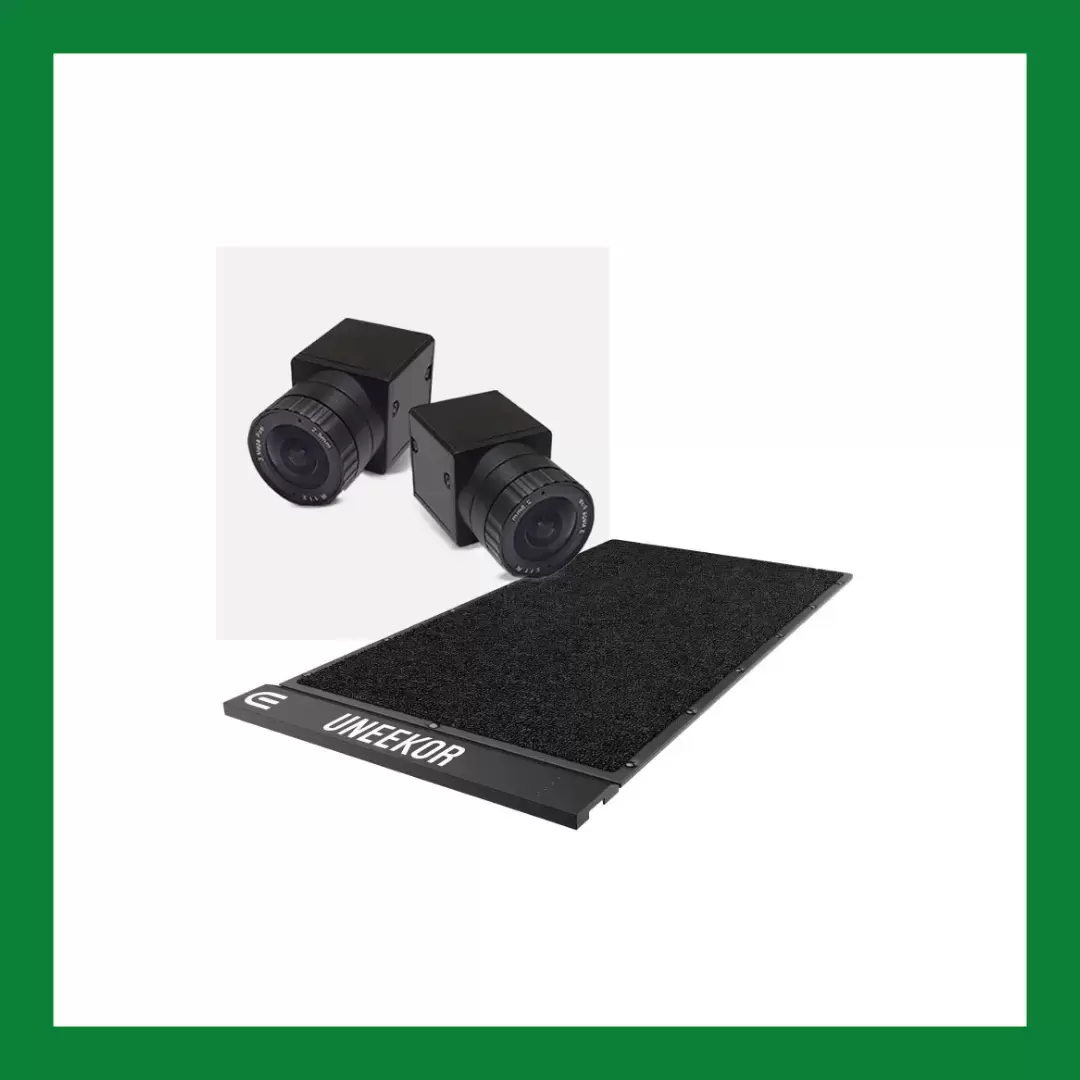
The Performance Optix Package is a comprehensive training system that has greatly helped my low-handicap students improve their game.
Let’s start with the Swing Optix Cameras. These high-speed cameras provide a 360-degree view of the golfer’s swing, capturing every subtle movement and allowing for a detailed analysis. The instant playback feature allows the golfer to see their swing in real time, making it easier to identify any flaws and make necessary adjustments.
The Balance Optix Mat is equally impressive. It is designed to improve balance and weight transfer, crucial elements for a consistent swing. The mat has a unique texture that measures how you interact with the turf, promoting better footwork and stability. It also comes with alignment guides to ensure proper setup and weight transfer, enhancing your balance and overall performance.
One of the standout features of this package is the compatibility between the cameras and the mat. The cameras come with a specially designed stand that easily attaches to the mat, allowing for seamless integration and a more accurate analysis of your swing and balance.
|
Pros |
Cons |
|
|
What to Look for in a Golf Swing Camera
When selecting a golf swing camera, several key features and specifications can greatly enhance your ability to analyze and improve your swing. Here’s an outline of what to look for:1. Video Quality
- Camera Resolution: Look for cameras that offer at least 1080p resolution for clear and detailed video.
- Frame Rate: High frame rates (60 fps or higher) are crucial for capturing smooth, detailed swing motions.
2. Slow-Motion Capabilities
- Ensure the camera can record in slow motion to allow detailed analysis of your swing mechanics.
3. Stabilization
- Image Stabilization: Optical or electronic image stabilization helps produce steady golf swing footage, even if the camera or user moves slightly.
4. Portability and Mounting Options
- Size and Weight: Compact and lightweight cameras are easier to handle and transport.
- Mounting: Look for flexible mounting options (tripods, clamps, etc.) with the camera kit that can be easily set up on the golf course or at the driving range.
5. Ease of Use
- User Interface: Simple and intuitive controls are essential for quick setup and adjustments.
- Connectivity: Wi-Fi or Bluetooth connectivity can make it easy to transfer videos to other devices for further analysis.
- App Integration: Cameras that integrate with analysis apps can provide additional insights and data. Look for things like video overlay and side-by-side comparison.
6. Battery Life
- Long battery life ensures you can capture multiple swings or entire practice sessions without interruption.
7. Durability
- Build Quality: The camera should be robust and able to withstand outdoor environments, including potential impacts and weather conditions.
8. Additional Features
- Zoom: Optical zoom capabilities can help focus on specific aspects of your swing.
- Storage Options: The ability to use expandable storage (e.g., SD cards) can be beneficial for storing large video files.
- Freeze Frame Capture
- Drawing Tools
9. Price
- Consider your budget and find a camera that offers the best value for its features and specifications.
Selecting the right golf swing camera involves balancing video quality, ease of use, durability, and additional features. Prioritize what aspects are most important to your practice and improvement goals, ensuring that the camera you choose meets those needs effectively.
Golf Swing Camera FAQs
What frame rate do I need in a golf swing camera?
For clear slow‑motion replays, look for a golf swing camera that can record at least 60 fps, and ideally 120 fps or higher. Higher frame rates make it easier to see club position and impact.
For clear slow‑motion replays, look for a golf swing camera that can record at least 60 fps, and ideally 120 fps or higher. Higher frame rates make it easier to see club position and impact.
Can I just use my phone instead of a dedicated golf swing camera?
Yes, many modern phones can record your golf swing, especially in slow‑motion modes. A dedicated golf swing camera, however, often offers better frame rates, mounting options, and more consistent angles.
Yes, many modern phones can record your golf swing, especially in slow‑motion modes. A dedicated golf swing camera, however, often offers better frame rates, mounting options, and more consistent angles.
Where should I put the camera to record my golf swing indoors?
Place your golf swing camera down the line (behind you, pointing toward the target) or face‑on (in front of you, chest‑high) at a safe distance. Make sure it is outside your swing path and captures your entire motion from setup to follow‑through.
Place your golf swing camera down the line (behind you, pointing toward the target) or face‑on (in front of you, chest‑high) at a safe distance. Make sure it is outside your swing path and captures your entire motion from setup to follow‑through.
How to Use Your Golf Camera Indoors
Having the right golf camera is the first step to building your own indoor golf simulator. Once you have the space and the proper setup, you can work on your game more often and lower your scores fast. Use these guides to start improving fast.- 2024 Best Home Golf Simulators
- The 10 Best Golf Simulator Projectors
- Best Golf Nets for Garage, Backyard & Home Practice
This website is a participant in the Amazon Services LLC Associates Program, an affiliate advertising program designed to provide a way for websites to earn advertising revenues by advertising and linking to Amazon.com. Some of the links on this page are affiliate links. This means that, at zero cost to you, I will earn an affiliate commission if you click through the link and finalize a purchase.