1. Use Clean Golf Balls
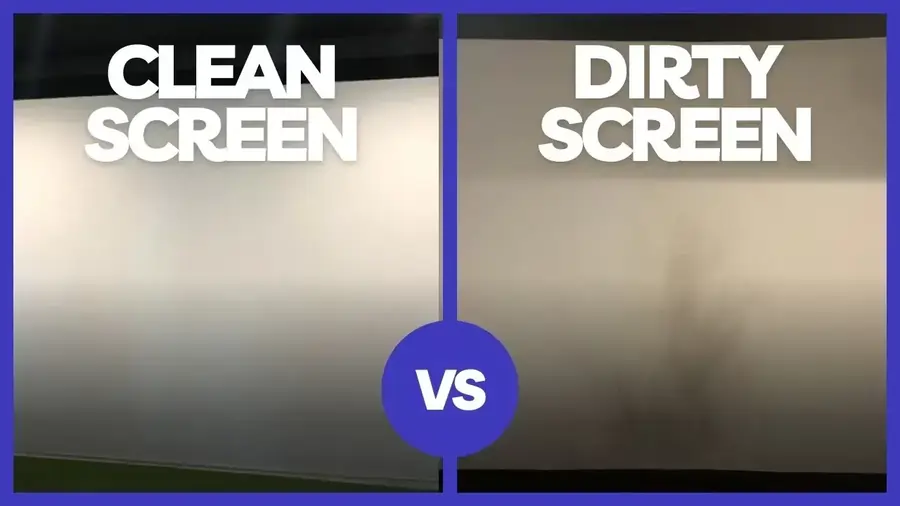
If you’re a golf enthusiast who enjoys practicing your swing indoors with a golf simulator, then you know how important it is to keep your golf impact screen clean and well-maintained. Over time, dirt, dust, grass stains, and ball marks can accumulate on the screen, affecting its performance and longevity. In this comprehensive guide, we will provide you with all the information you need to know on how to clean and care for your home golf simulator impact screen effectively. We will also share valuable prevention tips to help keep your screen clean and extend its lifespan.

Best Ways to Clean Your Golf Impact Screen
Whether your screen is fixed or if it is a retractable golf impact screen, cleaning your golf impact screen regularly is essential to maintain its performance and visual clarity. Here are some of the best methods for cleaning your golf impact screen:
1. Dish Soap and Water
Start by using the mildest cleaning method, which involves using a drop of dish soap on a damp rag. Gently rub the dirty areas of the screen with the soapy rag, ensuring to remove any excess dirt or stains. Once done, use a fan or hairdryer on a low- or no-heat setting to dry any damp areas. Avoid air-drying, as it may lead to liquid stains.
2. Tide To Go Pen
For smaller areas or stubborn stains, a Tide To Go pen can be an effective cleaning tool. Apply the pen directly to the stained area and gently rub it with a clean cloth. This method is particularly useful for removing marker stains or small dirt spots. After cleaning the spot, finish with the hairdryer on a low- or no-heat setting.
3. LA’s Totally Awesome and Carpet Cleaner
If the previous methods don’t completely remove the stains, you can try using LA’s Totally Awesome cleaner or a carpet cleaner. Apply the cleaner to a clean cloth and gently rub the stained area. Alternatively, you can combine LA’s Totally Awesome cleaner with a carpet cleaner for larger areas. These non-abrasive cleaning methods should significantly reduce or completely remove the stains. It’s important to note that the earlier you detect and attempt to clean the dirty area, the better success you’ll have.
Remember, it’s crucial to avoid using abrasive cleaners, steamers, dry cleaning, or placing your screen in a washing machine, as they can damage the screen and reduce its lifespan.
Preventing Your Golf Impact Screen from Getting Dirty
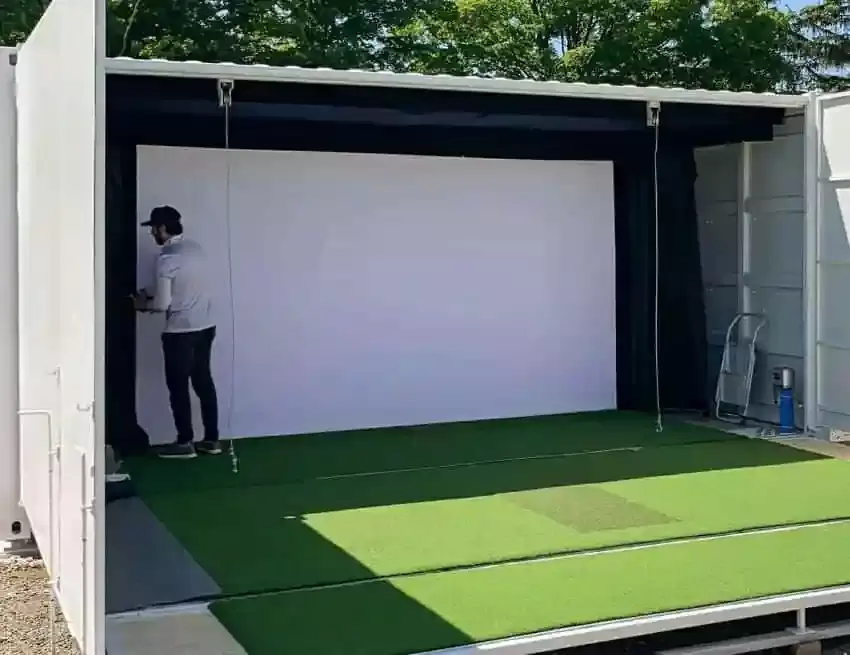
Prevention is the key to keeping your golf impact screen clean and avoiding the need for frequent cleaning. Here are some prevention tips to help you maintain a clean screen:
1. Use Clean Golf Balls
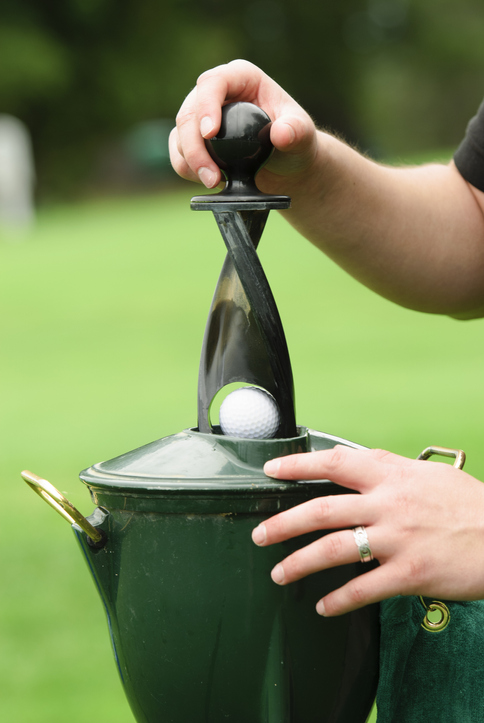
This one is sort of a no-brainer, but it is amazing how many folks forget about it. Using clean golf balls without dirt, grass, or marker stains can help prevent your impact screen from getting dirty. Ensure your golf balls are clean before using them with your golf simulator.
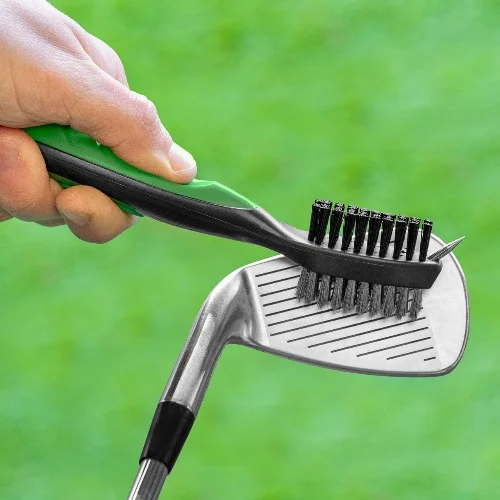
2. Clean Your Clubs Before Using the Simulator
Regularly cleaning your golf clubs not only benefits your game but also helps prevent dirt and debris from transferring onto your impact screen. Keep your clubs clean and free from grass and dirt buildup.
3. Store Your Screen Properly
When you’re not using your golf impact screen, store it in a safe, clean, and dry environment. Avoid folding it tightly for extended periods, as this can lead to creases and wrinkles. If possible, keep the screen unfolded to maintain its condition.
4. Maintain Proper Distance
Maintaining the appropriate distance between your impact screen and the golfer is crucial to prevent excessive wear. Ensure that there is at least 10 feet of space between the golfer and the screen to avoid hard bounce-back and reduce the chances of the ball hitting the screen at a high speed.
By following these prevention tips, you can not only save time on cleaning but also extend the lifespan of your golf impact screen.
How to Extend the Life of Your Golf Impact Screen
You spent a decent amount of money on the golf impact screen. While golf impact screens are designed to withstand thousands of shots, proper care and maintenance can help extend their lifespan even further. Here are some ways to ensure the longevity of your golf impact screen:
1. Choose the Right Impact Material
When selecting a golf impact screen, consider the level of usage it will receive. If you plan to use the screen frequently or in a commercial setting, opt for a durable material that can withstand high traffic. Conduct thorough research to find the right impact material that suits your needs.
2. Ensure Appropriate Installation
Proper installation of your golf impact screen plays a significant role in its lifespan. Follow the manufacturer’s instructions carefully, and ensure that the screen is tensioned properly for optimal image quality and longevity. If you’re using a DIY enclosure, consider adding foam inserts to reduce bounce-back and protect the screen from potential damage.
3. Maintain Adequate Spacing
Proper spacing between the back wall and the golfer is essential to prevent the screen from getting scrunched between the ball and the wall. Maintain at least 12 inches of space between the screen and the back wall to avoid unnecessary wear and tear. Additionally, ensure there is enough space between the golfer and the screen to swing comfortably without the risk of damaging the screen.
4. Separate Indoor and Outdoor Golf Balls
Using separate golf balls for your simulator and on-course play can help extend the life of your impact screen. Outdoor golf balls can accumulate scuffs and damage that can potentially harm the screen during impact. Keep your indoor simulator balls clean and free from damage to protect your screen.
5. Handle with Care During Installation and Storage
Take extra care when installing or storing your golf impact screen. Avoid folding it tightly, especially if you frequently bring it in and out of storage. Loosely fold the screen to prevent excessive wear in the folded areas. If possible, minimize folding to maintain the screen’s integrity.
By following these tips and adopting a proactive approach to maintenance, you can maximize the lifespan of your golf impact screen.
Frequently Asked Questions: Keeping Your Impact Screen Pristine
Can I wash my impact screen in a standard washing machine?
It depends on the material, but generally, NO. Most high-end “spacer” or multi-layer mesh screens have specific coatings or internal fibers that can be damaged by the agitator or high heat. If the manufacturer specifically allows it, use a front-loading machine on a “delicate” cold cycle with a very mild detergent (no bleach) and air dry only. Never put an impact screen in a dryer, as it will likely shrink and distort the aspect ratio.
What is the best way to remove grass stains or “green scuffs”?
For localized spots on your impact screen, warm water and a mild dish soap (like Dawn) are your best friends. Use a soft microfiber cloth or a soft-bristled toothbrush to gently dab the area. Avoid aggressive scrubbing, which can “pill” the fabric or create a fuzzy spot that ruins the projected image quality.
How do I get rid of the “black marks” caused by golf balls?
Those marks on impact screens are often “burn” marks caused by the friction of a spinning ball or dirt transfer.
Friction Burns: Unfortunately, these are permanent melted fibers and cannot be cleaned. Dirt/Debris: Use a Magic Eraser very gently on the spot. Be careful not to over-scrub, as the abrasive nature of the eraser can wear down the screen’s surface over time.
Why is my screen yellowing, and can it be fixed?
Yellowing of a golf impact screen is usually caused by dust accumulation, ambient smoke, or UV exposure. Regular vacuuming with a clean upholstery attachment can prevent dust from settling into the weave. If the screen has already yellowed significantly, a professional upholstery cleaner or a very light application of an oxygen-based cleaner (like OxiClean) may help, but always test a small, inconspicuous corner first.
How often should I deep-clean my golf impact screen?
If you are hitting daily, a light vacuuming once a month is recommended to keep dust from affecting the brightness of your projector. A deeper spot-clean should only be done as needed. Remember: every time you “clean” the screen, you are slightly wearing down the fibers, so a “less is more” approach is usually best for longevity.
Conclusion
Caring for your golf impact screen is essential for maintaining its performance and visual clarity. Regular cleaning, prevention measures, and proper maintenance can help extend the life of your screen and ensure optimal results during your indoor golf practice sessions. Remember to choose the right cleaning method, follow the manufacturer’s instructions for installation, and take preventative measures to keep your screen clean and in excellent condition. By implementing these practices, you can enjoy many hours of golfing fun with a well-maintained impact screen.